ID Card Print Karein Perfectly.
Sarkari PDF se seedha wallet-size print. 100% free, aapki file device se bahar nahi jaati.
Aap chahein to browser ka Network tab (F12) khol ke dekh sakte hain, koi file upload nahi hoti.
e-Aadhaar Card
आधार कार्ड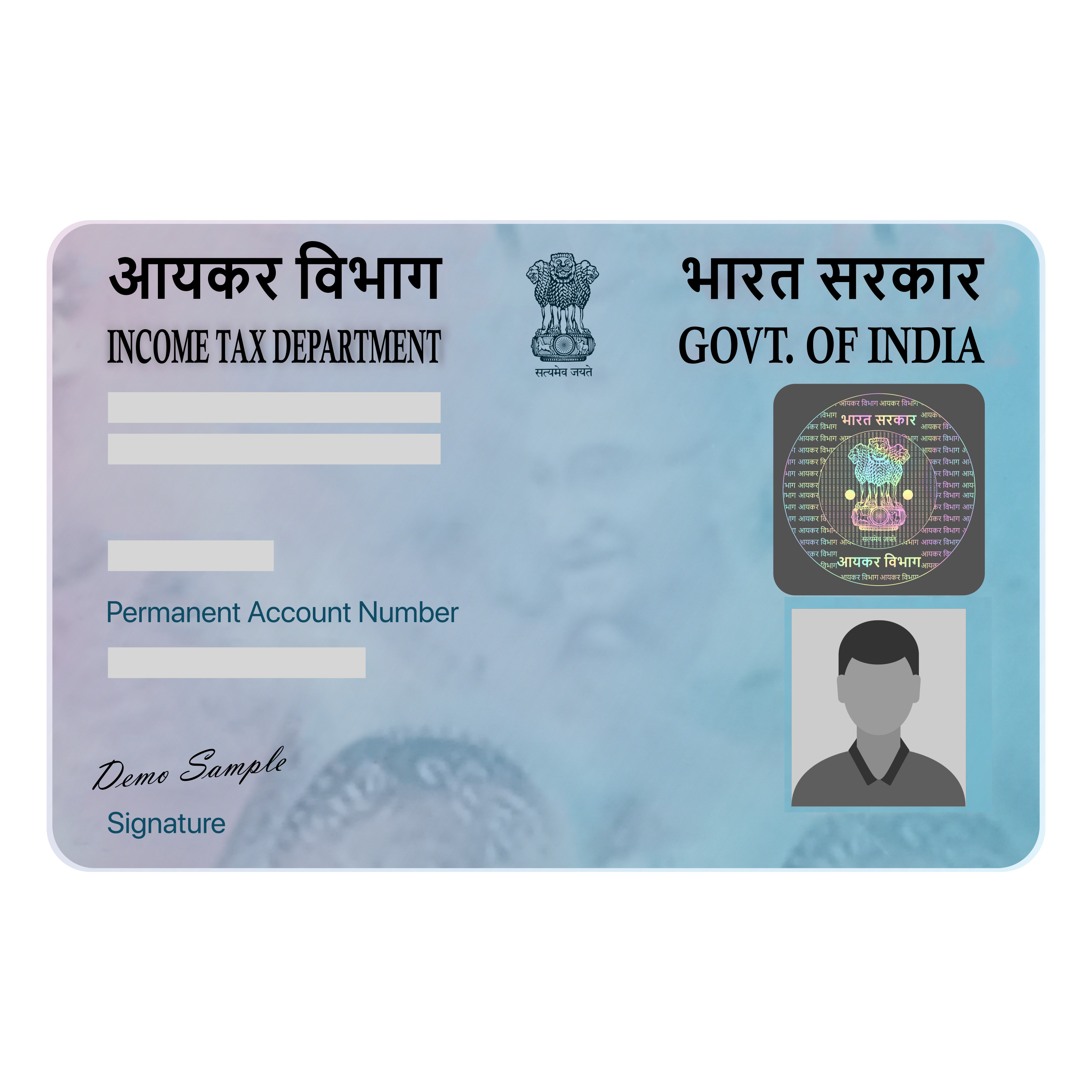
e-PAN Card
पैन कार्ड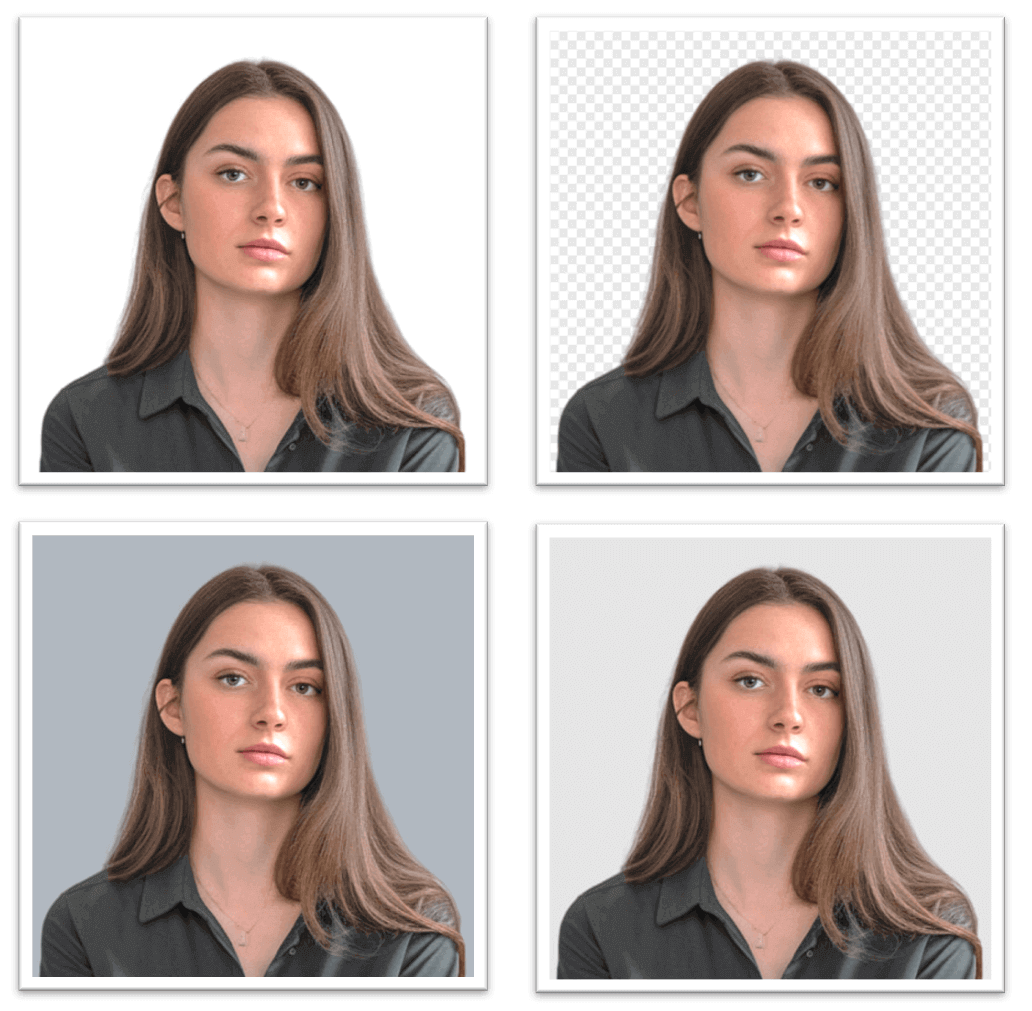
Passport Photos Maker
पासपोर्ट फोटो मेकर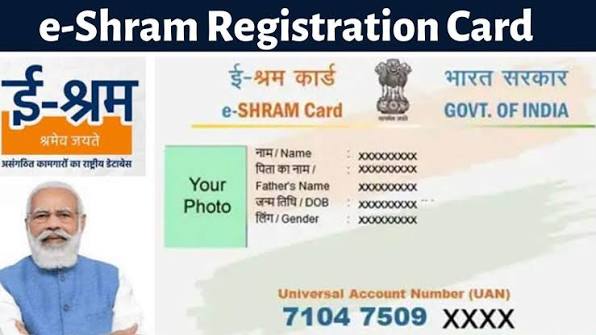
e-Shram Card
ई-श्रम कार्ड (UAN)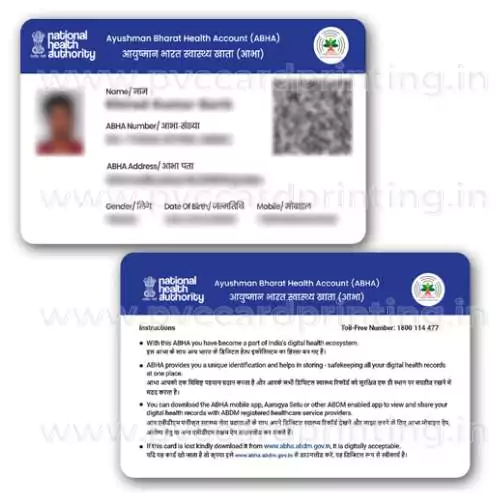
ABHA Health Card
आभा डिजिटल हेल्थ कार्ड
Voter ID (EPIC Card)
वोटर पहचान पत्र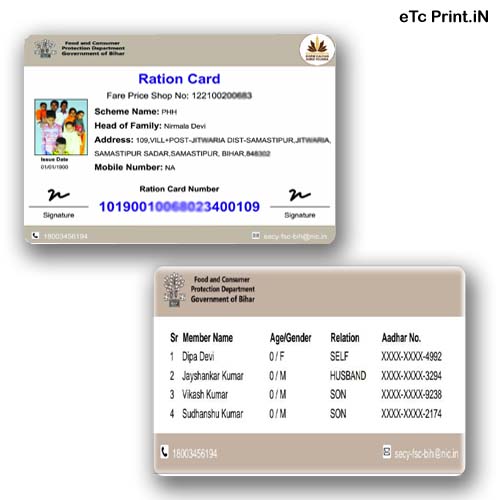
Ration Card
राशन कार्ड (Front & Back)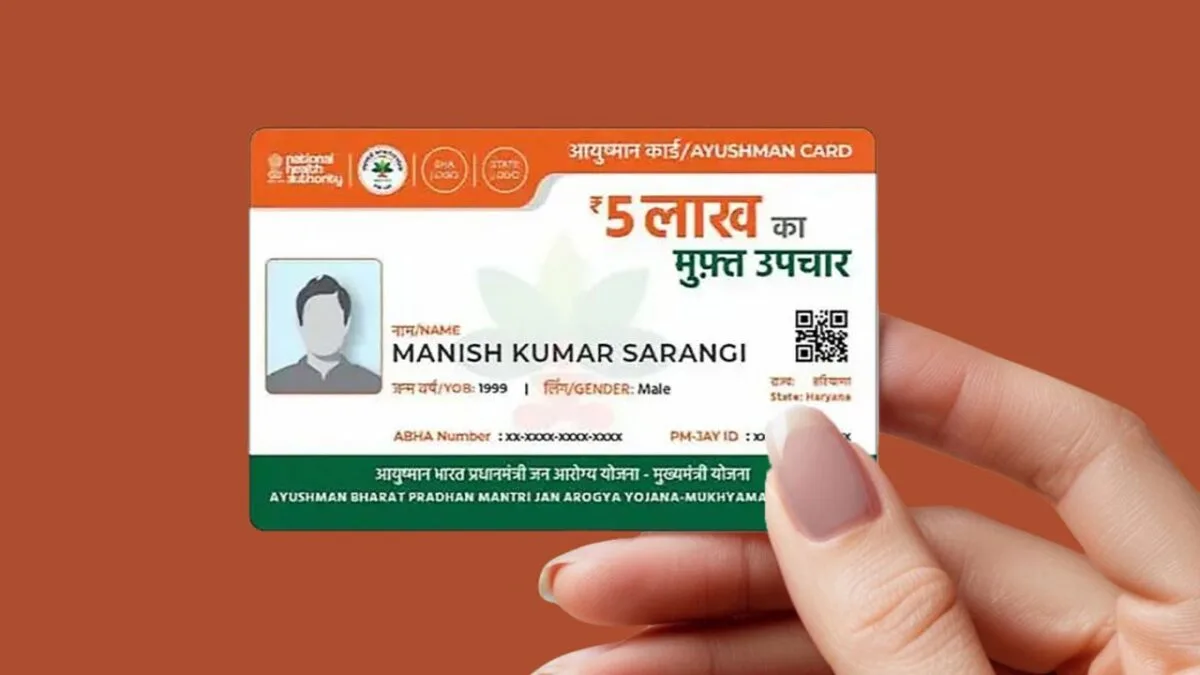
Ayushman Card
आयुष्मान भारत कार्ड (PM-JAY)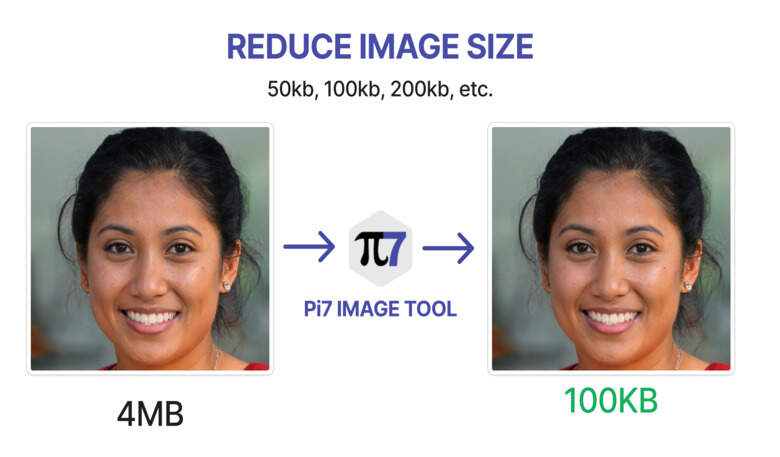
Photo & Sign Compressor
फोटो व सिग्नेचर कंप्रेसरRequest Your State ID
नया कार्ड ऐड करवाएं (DL, Labour Card, etc.)Need another State ID card added?
Join our WhatsApp community for custom ID format requests & instant support.
IDbanao kyun?
Bilkul free
Koi subscription ya hidden charge nahi. Kai sites monthly paisa leti hain, yahan nahi.
File upload nahi hoti
Cropping aapke browser mein hoti hai. Internet band karke bhi chalega.
QR sharp rehta hai
PDF ko photo mein nahi badalte, isliye text aur QR blurry nahi hote.
Mobile aur computer dono pe
Kisi app ki zaroorat nahi.
Password Cheat Sheet
| Document | PDF ka password |
|---|---|
| e-Aadhaar | Naam ke pehle 4 akshar CAPITAL mein + janm ka saal (YYYY). Jaise SURESH KUMAR, 1990 → SURE1990 |
| e-PAN | Janm tithi DDMMYYYY mein. Jaise 15 August 1990 → 15081990. (Agar password na chale to jis email/portal se PDF mili wahan diya format dekhein.) |
| Baaki cards | Aam taur pe password nahi hota. Agar maange to apne portal ki jaankari dekhein |
Kaunsa card kaise download karein?
- e-Aadhaar: myaadhaar.uidai.gov.in ya mAadhaar app
- e-PAN: Income Tax e-filing portal (Instant e-PAN), NSDL/Protean ya UTIITSL
- Voter ID (e-EPIC): voters.eci.gov.in ya Voter Helpline app
- Ayushman: beneficiary.nha.gov.in ya Ayushman App
- e-Shram: eshram.gov.in
- ABHA: abha.abdm.gov.in
- Ration Card: aapke state ka PDS portal, Mera Ration 2.0 app ya DigiLocker
Aksar Pooche Jaane Wale Sawal (FAQs)
MyAadhaar card online print kaise karein?
UIDAI portal (eaadhaar.uidai.gov.in ya myaadhaar.uidai.gov.in) se downloaded official e-Aadhaar PDF ko IDbanao.com par upload karein. Hamara tool automatically card ko standard wallet PVC/A4 size mein bina kisi privacy risk ke crop kar deta hai.
e-Aadhaar PDF se Aadhaar card kaise print karein?
IDbanao.com par password-protected e-Aadhaar PDF upload karein, apna password daalein aur 'Crop Automatically' dabayein. Cropped PDF download karke printer settings mein 'Actual Size / 100% Scale' select karein taaki exact physical dimension mile.
e-PAN Card printer se print kaise karein?
NSDL (Protean) ya UTIITSL se download ki gayi e-PAN PDF IDbanao.com par upload karein. 'Crop Automatically' click karne par front aur back dono sides alag ho jaati hain. File download karke A4 glossy photo paper ya PVC sheet par print nikaal lein.
PAN card crop size online free download kaise karein?
Haan! IDbanao.com par aap bina kisi charge aur bina registration ke apni e-PAN PDF ko official wallet size (8.56cm x 5.4cm) mein 100% free crop karke high-resolution print PDF download kar sakte hain.
Passport size photo kaise banayein aur print karein?
IDbanao.com ke Passport Photo Maker mein apni photo upload karein, 7:9 face crop box adjust karein, zaroorat padne par AI se background color change karein, aur cutting guidelines ke sath printable PDF generate karein.
A4 sheet par multiple passport size photos kaise print karein?
IDbanao.com par aap ek hi A4 sheet par 3, 6, 12, 18, 24, 30, ya 36 passport photos arrange kar sakte hain. Apni manpasand photo count chunein aur ready-to-print sheet download karein.
e-Voter ID (EPIC Card) online print kaise karein?
Election Commission of India ke Voters Service Portal (voters.eci.gov.in) se download kiya gaya digital Voter ID PDF upload karein. Tool automatically Front aur Back dono side ko standard PVC card format mein arrange kar dega.
Ration card online print kaise nikaalein?
Apne State Food Portal se download kiya gaya Ration Card PDF IDbanao.com par upload karein. Hamara tool multi-page document ko automatically detect karke dono sides ko ek single A4 sheet par side-by-side set kar deta hai.
Ration card PDF ko single page par crop kaise karein?
IDbanao.com ke Ration Card cropper par PDF upload karte hi Front aur Back dono panno ko cutting lines ke sath ek hi page par arrange kar diya jata hai, jisse paper ki bachat hoti hai aur lamination aasan ho jata hai.
Kya paper pe print kiya hua Aadhaar valid hai?
Haan. UIDAI ke mutabik downloaded Aadhaar ka saada kagaz pe print sabhi kaamon ke liye valid hai. PVC ya lamination zaroori nahi.
Kya IDbanao free hai?
Haan, bilkul free. Koi signup ya hidden charge nahi.
Kya meri PDF kisi server pe jaati hai?
Nahi. Cropping aapke browser mein hoti hai.
Mobile pe chalega?
Haan, mobile aur computer dono pe.